
020 3038 4543
Premium Resourcing Module
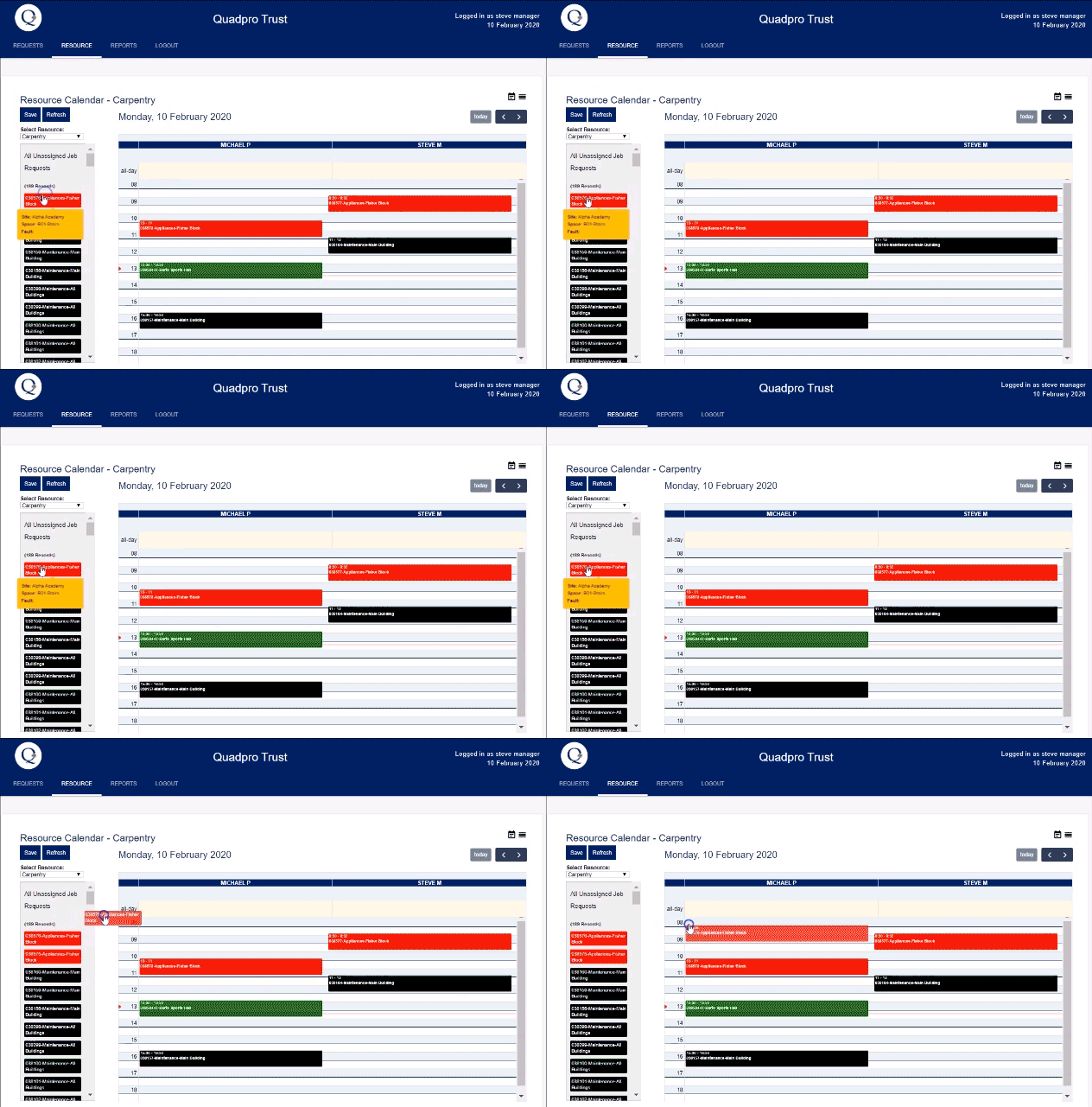
Schedule the week ahead for your maintenance teams.
Streamline Your Workflow with the Premium Resourcing Module
Discover a smarter, faster way to manage Job Requests with our new Premium Resourcing Module. Designed for efficiency, this powerful tool helps you take action on requests swiftly—saving time and boosting productivity.
But that's not all.
We've introduced intuitive enhancements to team management, giving you clear visibility into job progress and ownership. Know exactly where each request stands and who’s handling it.
What are the benefits of this feature?
Automated Allocation of Job Requests based upon your configuration and requirements.
Clearer workload insight
Mobile and Tablet integration
Detailed scheduling
Enhanced Job Request Management
Take control with smarter automation. With the Premium Resourcing Module, you can now assign Job Types and Sub Types directly to your resource teams.
When a new Job Request is created and matched to those categories, it’s instantly routed to the right team—no delays, no manual sorting.
The request lands directly in the team’s workload, ready for the Team Leader to assign to an operative. That means urgent tasks are picked up faster, handled sooner, and resolved more efficiently.
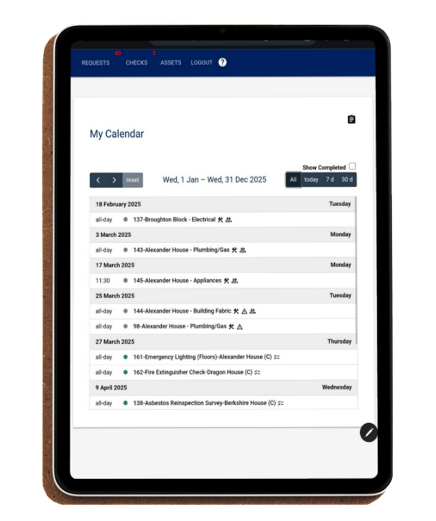
Greater Job Request Control
Gain greater control over job scheduling with more granular breakdowns. You can now assign pre-determined time limits to specific Problem Types—ensuring jobs are planned with accuracy and clarity.
For example, a non-working tap can be set to a 60-minute repair time. When scheduled, that time is automatically blocked out in your resource calendar, giving the assigned operative clear expectations and helping your teams manage their day more effectively.


Drag & Drop Scheduling
The Resource calendar has improved flexibility which allows you to assign multiple jobs at once to save time. These however are not limited to just Job Requests and you can also utilise the Checks in the same scheduling feature.
Key features included:
•Automatic movement of unfinished Job Requests to the next day.
•Colour coding for priority identification which is based upon your specified settings.
•Tool tips provide a detailed look at a Job Request so you do not need to open individual records – saving you time throughout.
•Job Requests can be allocated a specific start and end time slot or set to be an all – day task.